

Magic ISO Maker 5.4.0.256
MagicISO is a powerful CD/DVD file image manager for Windows
Program info
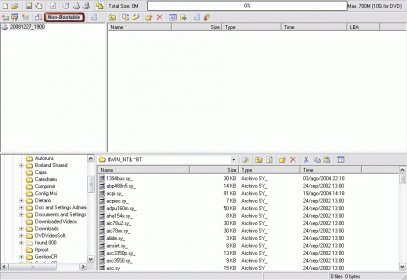
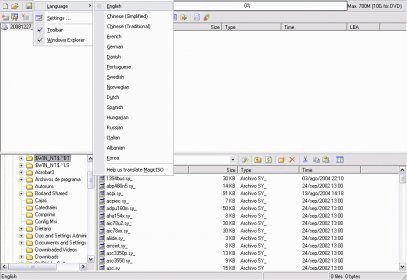

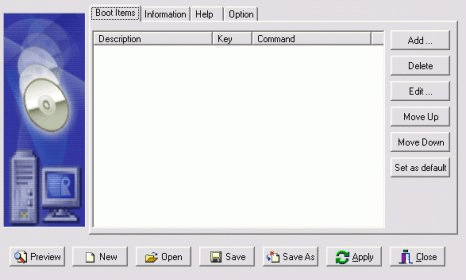

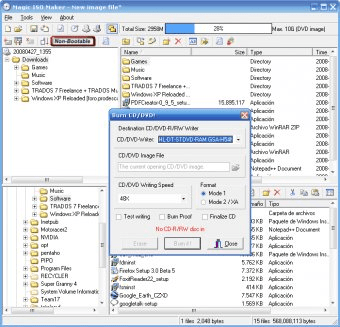

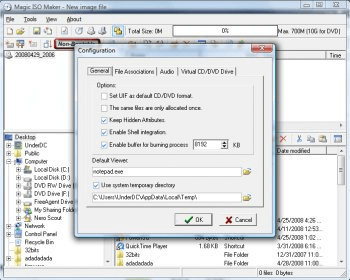


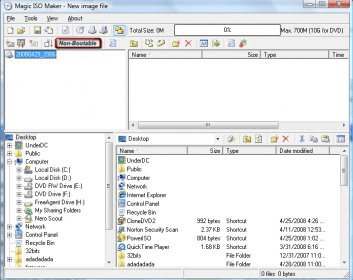
MagicISO is a powerful CD/DVD file image manager for Windows. Unlike some other similar applications, this one includes a Windows Explorer-like Explorer to facilitate browsing among files. As an image manager, this application carries out all the usual tasks. It is able to create an image file from a CD or DVD to most formats. After that, it can help you add, delete, rename, change the file structure, or do whatever you want with files inside the image file. If you need to make that image file bootable, well MagicISO can do that for you, too. It can also convert any image created by other recording software into the standard ISO format, which is pretty much supported by all the image managers. MagicISO supports image files up to 10gbs in size, so editing a large image file is no longer a problem. At $29.95, it competes with most similar solutions. Honestly, there are many applications that do what this one does. The only thing that really sets it apart from the rest is the intuitive interface. It is so easy to use that ISO managing becomes a much simpler task to do. Now, Magic ISO Maker has upped the ante with incorporated burning capabilities. So, needless to say, this is one of the most complete ISO solutions.
Pros
- Converts image files
- Lets you edit image files
- Creates image files
- Great interface
- Burning capabilities
Cons
- None



Related software

Creates and burns various types of CD/DVD/Blu-ray discs.

The effective tool for all your ISO image files burn and copy needs.

This program is a 100% free burner and maker of CD/DVD images.
Related stories
See all
Explore lesser-known AI tools like Adobe Firefly, Freepik, Canva, DreamStudio, and Ideogram for stunning social media imagery.
So what are all those lines in the Task Manager? Learn about the essential processes like svchost.exe, winlogon.exe, and other mysterious items.

Windows Task Manager can take you beyond monitoring and into detection of unusual activities. Let's see how it works.


